Birthday email for grandparents: how to send one they'll read twice
Grandparents read email slowly, sometimes twice. Here's how to get a real birthday email from your own Gmail to them every year. Free for one person.
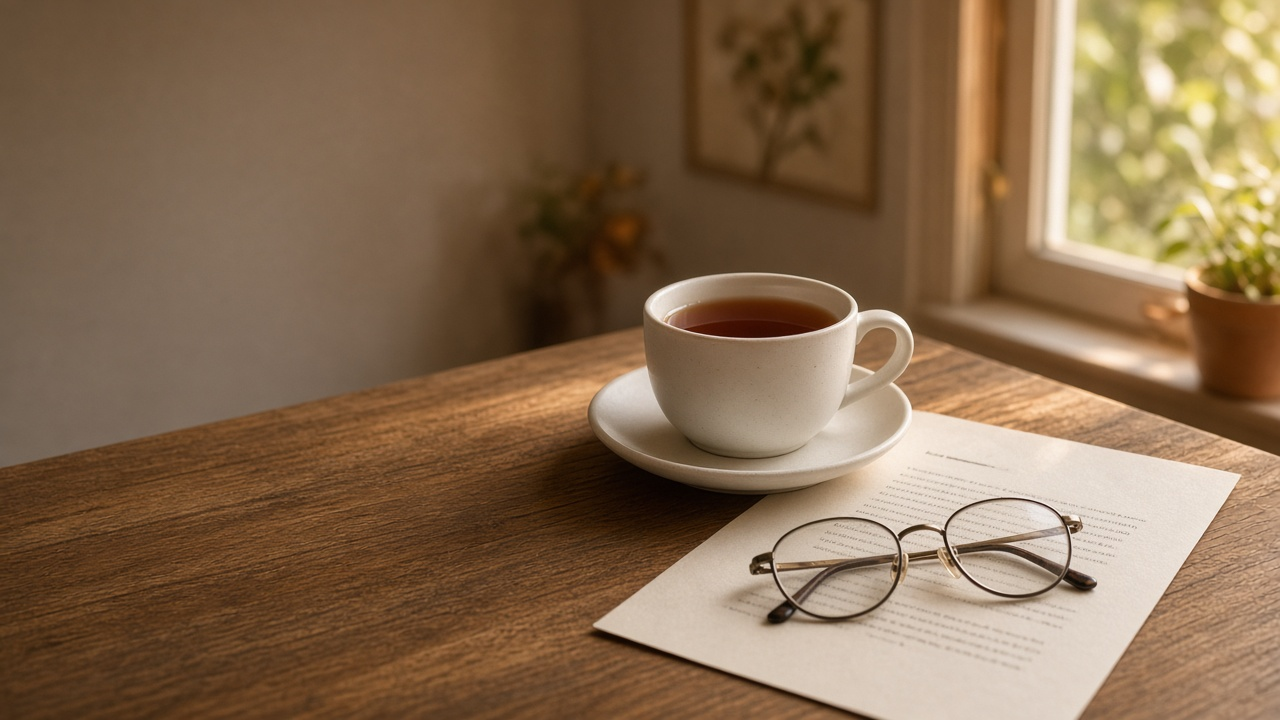
My grandmother keeps a printed copy of every email that matters to her. Not all of them, obviously. Just the family ones. There's a plastic folder in the drawer under her phone, and if you visit she'll pull it out and show you the email her grandson sent from his first job, printed with the font cranked way up so she can read it without her glasses.
I found out about that folder by accident a few years ago. I also found out my own last email in there was from a birthday three years earlier. After that it had been a phone call some years, a forwarded photo other years, and one year, honestly, nothing at all. Until my mom asked me on the phone two days later, "did you wish Nani?"
That one stung.
If you've had that moment with a grandparent, the "oh no, it was yesterday" moment, you know it lands harder than missing a friend's birthday. They won't be upset with you. They'll tell you it doesn't matter. Which is kind of what makes it worse.
Why grandparents' birthdays slip so easily
We don't care less. For most of us it's the opposite, if anything. A few things just quietly stack up against you.
Their birthday doesn't show up anywhere. Friends' birthdays pop up on social apps, in group chats, on a coworker's desk. Your grandparents probably aren't on any of that, so there's no feed nudging you and no little cake icon. The date lives in your mom's head, or in a family WhatsApp group that's mostly good morning images.
Someone else used to handle it. A parent set up the call, an aunt bought the cake, and you kind of tagged along. Then you moved out, or moved cities, and nobody mentioned that tagging along was the whole system. Now the system is you.
Calls are hard to time. Maybe they go to bed early. Maybe phone calls with them turn into five minutes of "can you hear me? beta, can you hear me?" So you push it to "this evening," and this evening turns into tomorrow.
And you figure there'll be another one. Nobody says it out loud but it's there. Next year you'll do it properly, write something longer, maybe visit. Except there's only so many next years with grandparents, and we all know that somewhere in the back of our heads.
Why reminders don't really fix it
The obvious move is to put it in your calendar. Sure, that helps with the date part. Here's what tends to happen next though.
The alert goes off at 9am while you're on a call. You think, I'll call her at lunch. Lunch gets eaten at your desk. Okay, after work then. After work you're on the train and it's too noisy. Then it's 10pm, way too late to call an 84 year old, so you drop a heart emoji in the family group and feel bad about it all night.
A reminder tells you it's the day, and that's about it. Finding a quiet minute and actually writing something is still on you, on some random weekday with everything else going on. So is making sure it gets to her that morning.
With a grandparent, what matters is the thing arriving. Something she can open and read slowly, maybe read again, maybe print. A calendar alert cant do that part.
Why email works surprisingly well for grandparents
This sounds backwards at first. Email feels old fashioned to a lot of us, and that's exactly why it fits.
Plenty of older people treat email like mail. They check it once a day, usually in the morning, often with tea. They read each message properly instead of skimming. And there aren't forty birthday notifications burying yours, so your email is the thing in the inbox that day.
It also sticks around. A voice note sinks into a chat somewhere. An email they can find again, show the neighbor, or yes, print and put in the folder.
Obviously it depends on your grandparent. If they've never touched email in their life, this isn't it, and a phone call or a card is the better move. But a lot of grandparents have an email address they check faithfully. Sometimes more faithfully than we check ours.
How to make the birthday email happen without relying on your memory
What worked for me was taking remembering out of the picture completely. That's what DontRemember does. It writes and sends birthday and anniversary emails from your own Gmail, automatically, every year.
For a grandparent it goes something like this.
You add them once. Name, email address, who they are to you. Then a few real details. For my grandmother that was stuff like "makes the best achaar in the family and won't share the recipe," "still does the crossword in pen," and "calls every phone a mobile." Small things, but they're what make it sound like you.
You pick a tone. Each person gets their own. Warm or Heartfelt suit most grandparents. Short & sweet is nice if they'd rather have a few clear lines than a long message, especially if they read on a phone. Funny's there too, if your grandpa is the one who'd actually laugh. Either way your grandmother isn't getting the same email as your college roommate.
The night before, you get a heads-up with the draft. Change a line, add a memory only you'd know, or regenerate it with a hint ("mention the achaar"). If it's a year where you're going to be there in person anyway, hit Skip this year. Or leave it alone and it goes out as is. Planning to call too? This is where you'd add "I'll call you tonight."
On the day, it comes from you. It sends at 8 AM in their timezone by default, which for a morning-email grandparent like mine is pretty much perfect. You can change the hour for each date if you want. It goes out from your Gmail address and shows up in your Sent folder like anything else you send. When they reply (and grandparents do reply, sometimes in all caps) it comes straight back to you.
Next year, a fresh one. You don't type the date in again or recycle last year's message. It just happens again, written new.
You can set up their wedding anniversary the same way. A note from a grandchild on a 50th or 55th means a lot, and honestly it's the kind of date a lot of us never knew in the first place.
Gmail and privacy, plainly
Since this connects to your email account, here's how it works.
DontRemember sends through your own Gmail using Google's official Gmail API. Per its privacy policy and Google API disclosure page, it asks for the gmail.send permission only. That lets it compose and send a message from your address. It can't read, search, list, change or delete anything already in your mailbox, and it doesn't touch your Google Contacts, Calendar or Drive.
The details you add about your grandparents are only used to write emails to them. The site says they're never sold, never used to train AI models, and get deleted when you leave. You can disconnect Gmail in Settings whenever you want, or remove access from your Google account permissions page, and sending stops right away.
Questions people usually have
"Isn't an automatic email to my grandma kind of cold?"
It would be if it was a template with her name dropped in. This one's written from the details you gave about her, in the tone you picked, and you see it the night before. If anything it's warmer than the "happy bday nani ❤️" text at 10pm, which is what most of us actually send when we're late.
"Shouldn't I just call?"
Yes, call too if you can! The email doesn't replace that. It just means something reaches her in the morning even if the call happens late, or keeps getting pushed. Lots of people use the heads-up as their reminder to call.
"What if they don't really use email?"
Then honestly this isn't for that grandparent. Some families have one person, a parent or a cousin, who reads emails out loud to them, and that works fine. But if there's no email address anywhere in the picture, stick with the phone.
"Will it write in a way my grandparent gets?"
Pick Short & sweet for something simple and clear, and edit the draft the night before if anything feels off. If your grandpa reads in another language, write the email yourself that year from the heads-up, or rewrite the draft. You decide what goes out.
"Is it only Gmail?"
Gmail only, for now. That's what lets the email come from your own address and not some company inbox.
Start with one grandparent
You don't have to set it up for the whole family tree. Pick one. The grandparent you think about the most and call the least. Or the one whose birthday you're not 100% sure of (ask your mom, she knows).
Add them, write two or three true details, pick a tone. Then next time their birthday comes around, there's an email from you sitting in their inbox when they sit down with their tea. Maybe it ends up in the folder.
DontRemember is free for one person, with unlimited dates for that person, and you don't need a card to start. If you want to add more people later, Plus is $20 a year.
[Start free with one person at dontremember.app](https://dontremember.app/)