How to stop relying on Slack birthday bots (and still send a real email)
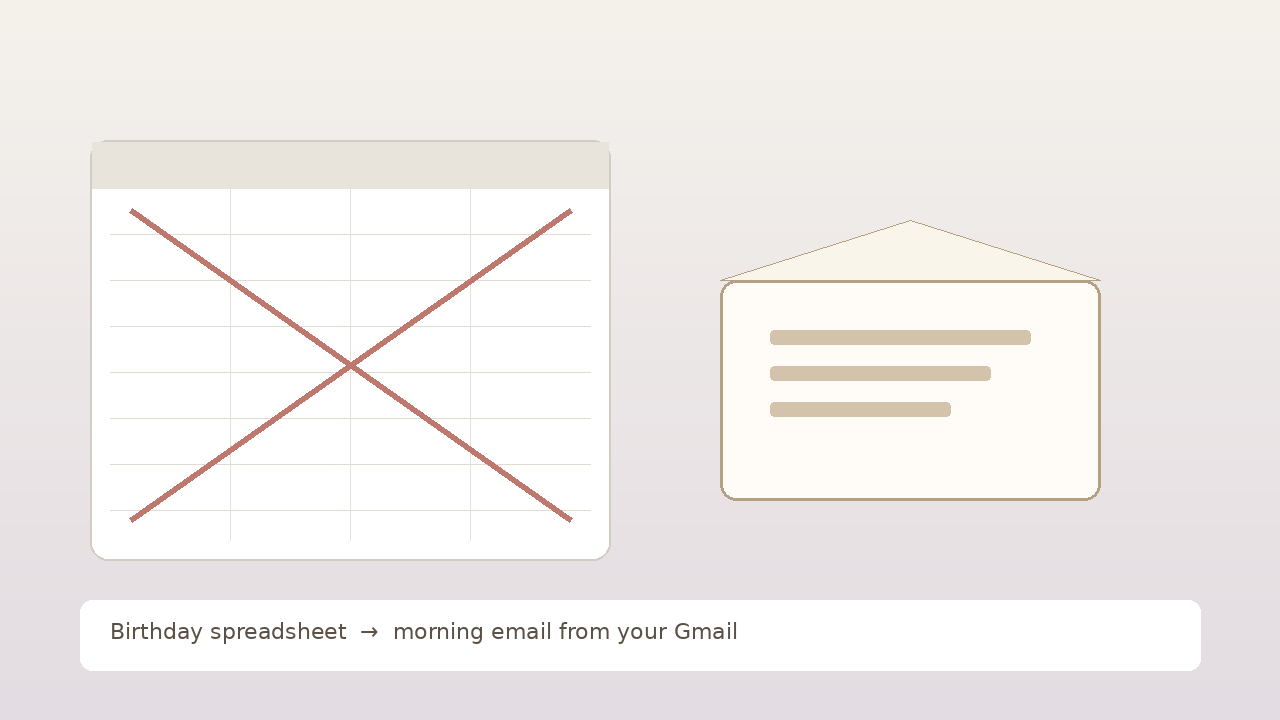
Stop relying on Slack birthday bots. Night-before draft, morning email from your Gmail instead of a #birthdays emoji pile. Free for one person.
The slack birthday bot posted in #birthdays at 9:12am, right as standup started. Cake emoji. Confetti reaction. Someone typed "happy birthday!!" with three exclamation points. You added :cake: too, because that is what you do when the channel lights up. By lunch you felt like you showed up. By night you realized the private letter still never left your Gmail.
If that slack birthday bot loop feels familiar, you are not looking for a louder workplace ping. You already get the ping. The hard part is turning a public workspace congratulations into a finished note that lands in their morning inbox from you, not into another stack of reactions that vanish when the channel scrolls.
The #birthdays channel that felt like showing up
I am not proud of how many years I treated a slack birthday bot like a relationship plan for people I actually care about outside work.
You join the workspace. HR or someone on the people team turns on the birthday app. Maybe it is the native one. Maybe Donut. Maybe a custom bot that scrapes a sheet. On a calm Monday it looks sharp. The bot already has the dates. You tell yourself this year the workplace birthday bot will finally catch what calendar alerts and sticky notes kept missing, at least for teammates who also matter as friends.
Then a Tuesday morning gets loud. The bot posts in #birthdays. You are mid-standup. Camera on. Mute off. You cannot write a letter. You react with an emoji because that is the socially correct move in the next eight seconds. Or you open the thread later, feel a small hit of "I remembered," and still never open Gmail for anyone outside that channel. Sometimes you add another reaction instead of writing. The emoji pile got denser. The letter never left.
The worst part is not forgetting the date. It is knowing the date lived in a slack birthday reminder the whole company trusts, and still ending the day with a thin DM that does not match how much you care.
A workplace birthday bot is great at surfacing care in public. It is rough at finishing the care in private.
Why Slack birthday bots fail when you need to show up
Relying on a slack birthday bot assumes the hard part is having the date show up where your coworkers already live. Channel noise and a bot ping are the easy half. The hard half is a private letter, at a decent hour, from you, that still exists next year without another round of "I should have written earlier."
This is not the Facebook feed ping. This is not the WhatsApp group sticker either. This is Slack at work. The #birthdays channel. The emoji pile-on. The public workspace congratulations that feel like you showed up at the office and still never become a private morning Gmail letter from you. A work tool you trust until the day arrives and the only thing you finish is a reaction during standup.
A #birthdays post is not a private morning inbox
A #birthdays post clears a social checkbox at work. It does not open a draft with last year's warmth, a joke only the two of you get, or a subject that does not sound like an HR template. That is why so many slack birthday bot mornings end as :cake: plus a short "hb!" in the thread, and nothing in anyone's personal inbox from you.
An emoji reaction is not a From line
Your reaction sits next to thirty others. It looks like participation. It does not land with your address in their Gmail. It does not wait quietly while they make coffee at home. Showing up in their morning inbox is a different job than adding a reaction so the bot thread looks warm.
The bot fires during standup when you cannot write
Timing is the quiet killer. A slack birthday reminder often fires when cameras are on and agendas are tight. You cannot draft a letter. You can only react. By the time lunch frees a pocket of attention, the channel has moved on and your brain has filed the whole thing under "handled." A real morning email needs a window when you can still shape words. The bot rarely gives you that window.
No night-before veto
The workplace birthday bot rolls forward every year on its own. Nice for the channel. Next year you still rewrite from zero for anyone outside that thread, or you dig through Sent looking for last year's wording at 10pm. Recurring "don't forget" inside Slack is not recurrence on a letter. Without a night-before draft you can edit or kill, the bot only schedules public guilt with better presence.
A yearly bot ping is not a yearly letter
Leaving the slack birthday bot does not mean delete the app and hope willpower shows up. It means the letter can leave even when the channel already celebrated without you writing. A polished Donut birthday setup is not a birthday email. It is a nicer stage for the same failure mode: awareness at work, blank page at home.
Workspace congratulations pretend participation is care
People ops dashboards feel like a system. Shared birthday lists in Slack feel like accountability. Still the same trap: the product stops at a ping you meant to act on privately. You react. You never start the letter. If a louder #birthdays channel was enough, you would already feel done.
What "showing up" has to mean when you leave the Slack bot
Stopping your reliance on a slack birthday bot cannot mean pure willpower and a blank compose window after you finally leave standup. It has to mean the letter can leave even when you did not treat a #birthdays thread like a writing session.
Private morning email from your Gmail beats a late scramble after the channel cooled off
A note in their email is for them. Not for the workspace. Not for the bot that already posted. Morning timing is part of the gift. People check email early. A short letter waiting when they wake up feels different than a DM you sent after the emoji pile was already three screens long.
Night-before draft and veto keeps it human
Set-and-forget with no review feels creepy fast. A draft you see the night before, with time to tweak a line or kill the whole thing, still counts as care. That window is what a slack birthday reminder never gives you. The bot waits for you to react under pressure. A veto meets you when you still have runway.
Your From line beats another reaction in the pile
Mail from you looks like you. A :cake: in #birthdays looks like you were present at work. The From line is part of showing up. Their inbox, your address, your Sent folder. That is a different signal than "I saw the workplace birthday bot and eventually reacted."
The win is the finished note, not denser emoji stacks
Adding more bots will not fix this. HeyTaco-style points will not fix this. Pinning the birthday list will not finish the letter. The win is a finished note in their morning inbox, from your address, in words you shaped when you still had a little runway.
What people try instead (and where it frays)
Louder Slack birthday bots
You switch apps. You invite Donut. You tune the bot so it @everyone harder. Still a channel ping. The workspace gets noisier. The blank page stays.
Donut / HeyTaco style add-ons
Icebreakers and appreciation bots are fun for culture. They are not a private morning letter. A Donut birthday moment can feel warm in the room and still leave your Gmail empty.
Calendar twins of the same list
You export the HR birthday sheet into Google Calendar so a personal alert fires at home. Now you have a workplace birthday bot you ignore plus a calendar alert you swipe. Two systems, still no finished morning letter. Awareness moved. The blank page stayed.
WhatsApp or family group pings
Someone outside work says "it's their day." You react with a sticker. Public noise in another app is still not a private morning letter from your Gmail.
Sticky notes pulled from the Slack post
You write three names on a monitor sticky after glancing at #birthdays. Visible until they blend into the desk. Paper version of the same habit.
Gmail schedule send once after you finally leave standup
Fine for this year if you catch yourself while you still have calm and you write early. Next year you dig for last year's wording and guess their morning hour again. Schedule send holds one message. It does not hold "them, every year, without needing you to reopen the slack birthday bot thread."
Tools stop before the hard part: a decent letter, at a decent hour, every year, without outsourcing the moment to a channel you might react in without writing.
How DontRemember works when you are done trusting the Slack bot
[DontRemember](https://dontremember.app/) does one narrow job. It writes and sends birthday and anniversary emails from your own Gmail, aimed at a sensible hour in their timezone, with a night-before draft you can still change.
1. Connect Gmail and save the people who matter
Sign in with Google. Add names and dates. Free for one person so you can try the loop on a real relationship. Unlimited people and dates for $20/year. No card required to start.
Gmail only, on purpose. Your Sent folder stays the record. You are not hoping you will treat a slack birthday bot ping like a writing appointment after standup.
2. Night-before draft (this is the veto)
The night before, you get a heads-up with the draft. Edit a line. Add the joke only the two of you get. Regenerate if it misses your voice. Delete the whole thing if the moment feels wrong. The AI helps with the blank page. You keep the last word.
That window matters if your old habit was reacting in #birthdays after the morning was already loud.
3. Morning send from your address
On the day, the email leaves from your Gmail at a sensible hour in their timezone. It shows up like mail you wrote: your account, your Sent folder, your chance to reshape the draft.
Set the date once. Trust the loop next year. Trade "I saw the workplace birthday bot and still sent something thin at night" for a letter that arrives while the day still feels open.
You are not outsourcing love. You are removing the failure mode where care dies between a public emoji pile and a private note you never started.
Gmail, privacy, and why leaving the Slack bot is not the creepy part
A birthday note from a noreply domain feels like marketing. A #birthdays reaction only your coworkers see feels like office admin. The point of showing up is that it looks like you cared enough to write.
DontRemember uses the Gmail API to send from your Gmail. Recipients see your address. The send lands in your Sent folder like normal mail.
Privacy is not a footnote. You grant access so the product can draft and send for the people you choose, not to farm your inbox. Night-before review. Edit. Delete. Nothing goes out that you have not had a chance to stop.
Free for one person lets you pressure-test whether the draft still sounds like you before Unlimited at $20/year covers everyone else.
Objections people ask when they are done with Slack birthday bots
"Can't I just leave the bot and be more disciplined?"
You can try. Plenty of years I tried. A slack birthday reminder is still awareness, not a night-before draft with a veto. If a workplace birthday bot plus willpower was enough, you would not keep ending birthdays with a late thin note.
"Is it creepy to automate a birthday?"
Missing the day and covering it with a late DM usually feels worse. Creepy is a bot shipping with no review. DontRemember shows you the draft the night before. You decide. If a draft feels wrong, kill it.
"Will it sound like a robot?"
A corporate template with no edit pass would feel hollow. A letter you shaped, sent from your Gmail, is still yours. The tool's job is to make sure the draft exists before the day arrives, so you are not writing after you finally leave standup.
"I already have a Slack HR birthday bot"
HR bots help the company celebrate in public. They do not finish private letters. If the slack birthday bot was enough, someone would not still be scrambling after dinner while the emoji pile sits three screens up.
"Isn't Calendar plus Slack enough?"
Calendar and Slack help the date interrupt you or announce it at work. They do not write, review, or send a personal morning email. If the calendar twin plus a slack birthday reminder was enough, the emoji-and-scramble loop would already be gone.
"Can't I just use Gmail schedule send every year?"
You can, once, if you catch yourself early when the bot posts. Recurrence plus a night-before review is the missing piece for people who want to leave the slack birthday bot without rebuilding the send by hand every spring.
Start with one person and one morning inbox
You do not need a perfect Slack cleanup on day one. Pick the one birthday where a loud slack birthday bot still did not produce a morning letter. Connect Gmail. Add their date. Let the next draft prove whether the letter still sounds like you.
That is what free for one person is for. When the loop works, Unlimited at $20/year covers the rest of the people who matter.
Stopping your reliance on a slack birthday bot should not mean a louder #birthdays channel. It should mean the letter leaves in the morning, from your Gmail, in words you made yours, without needing a workplace birthday bot you might react to without writing when standup gets loud.
Try DontRemember at [https://dontremember.app/](https://dontremember.app/). Connect Gmail, add a birthday that matters, and trade the emoji-pile scramble for a private draft you can still edit.
Send the letter while the day still feels open.