How to stop relying on Google Calendar birthday reminders (and still send a real email)
Stop relying on Google Calendar birthday reminders. Night-before draft, morning email from your Gmail instead of a swiped alert. Free for one person.
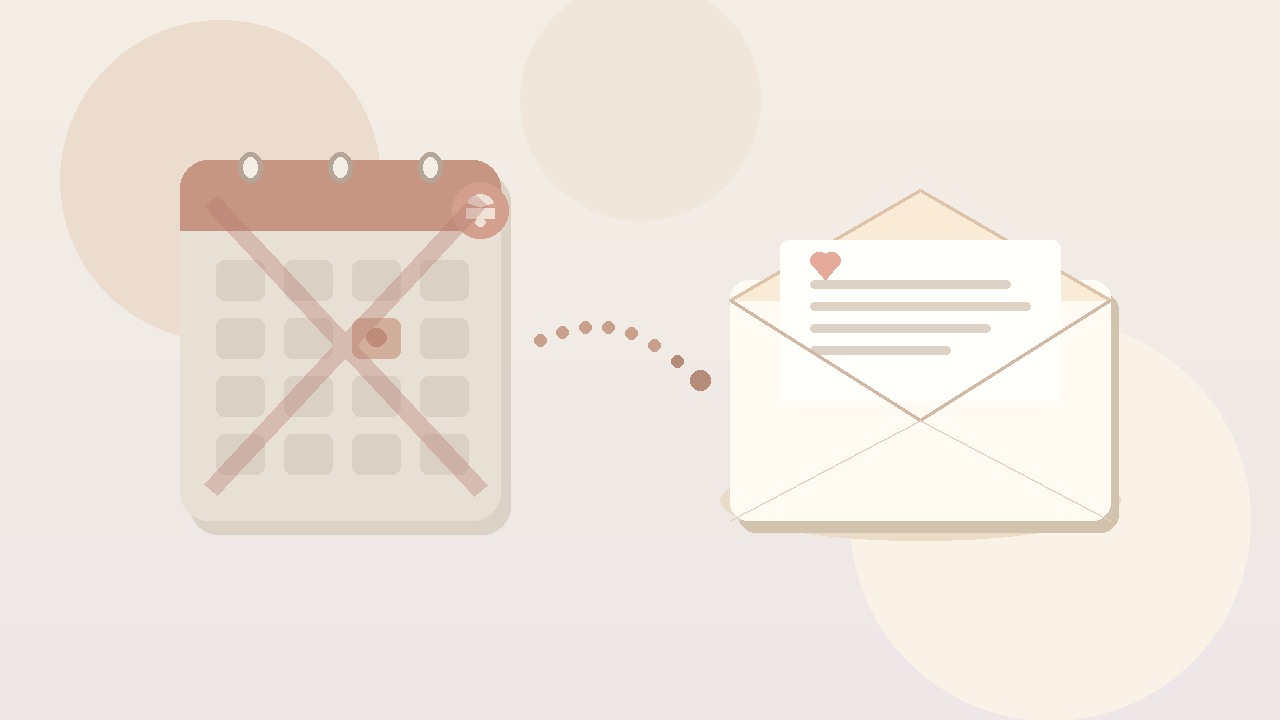
Your phone buzzed at 8:12am. Google Calendar. "Mom's birthday." You swiped it because you were already late for a call. Lunch got loud. By 9pm you typed a thin note that felt more like an apology than a greeting.
If you have been searching google calendar birthday reminder and that loop sounds familiar, you are not looking for a louder alert. You already get the buzz. The hard part is turning a calendar pop-up into a finished letter that leaves your Gmail while the morning still feels open.
The birthday that buzzed, got swiped, and became a late thin note
I am not proud of how many years I treated a calendar alert like a birthday plan.
You set the google calendar birthday months ago. Or Contacts synced it in. Or you copied last year's event and forgot to write anything in the description. On the day, the alert shows up right when you cannot write: standup, school drop-off, a meeting you muted for. You swipe. You tell yourself you will write after this one thing. After becomes evening. Evening becomes a short text that does not match how much you care.
Sometimes the alert fires the night before and you still do nothing, because a notification is not a draft. Sometimes you open Gmail, stare at a blank subject, close the tab, and tell yourself tomorrow morning is fine. Tomorrow morning is another swipe.
The worst part is not forgetting the date. It is knowing the date and still ending the day with something thin. The calendar did its job. You saw the name. The letter never left.
A calendar birthday reminder is great at interrupting you. It is rough at finishing the care.
Why Google Calendar birthday reminders fail (even when the alert always fires)
Relying on a google calendar birthday reminder assumes the hard part is knowing the date. Knowing the date is the easy half. The hard half is a private letter, at a decent hour, from you, that still exists next year without another scramble when the buzz hits.
Awareness is not a finished letter
The alert says the day is here. It does not open a draft with last year's warmth, a joke only the two of you get, or a subject line that does not sound like a template. You still face a blank compose window under pressure. That is why so many calendar birthdays end as "happy birthday!" with nothing else attached.
Mute, Focus mode, and meeting silence eat the moment
Calendar alerts compete with everything else your phone is yelling about. You silence banners in meetings. Focus mode eats the pop-up. You see the badge later and the morning window is gone. A system that depends on you noticing a buzz at the right second will keep losing to work.
No From line, no inbox moment
A calendar event is not mail. It does not land with your address in their inbox. It does not wait quietly while they make coffee. It sits on your device until you act, then it disappears into history. Showing up in their morning inbox is a different job than showing up in your notification shade.
No yearly draft loop you can veto
You can set a recurring google calendar birthday. Next year the same alert fires. Next year you still rewrite from zero, or you dig through Sent looking for last year's wording at 10pm. Recurrence on a date is not recurrence on a letter. Without a night-before draft you can edit or kill, the calendar only schedules stress.
"Text them" labels pretend the hard part is remembering
Plenty of people rename the event "text Mom" or "call Dad." Useful as a nudge. Still the same trap: the product stops at awareness. You mute it, lunch becomes Slack, evening becomes the thin note again. A label on a calendar birthday reminder is still just a sticky note on the same failure mode. It is not a birthday email instead of calendar reminder.
If phone calendar birthday alerts fixed showing up, you would already feel done. You would not still be looking for a way to stop relying on calendar birthday reminders.
What "showing up" has to mean when you leave the alert
Stopping your reliance on Google Calendar birthdays cannot mean pure willpower and a blank compose window after you swipe the buzz. It has to mean the letter can leave even when you did not treat the notification like a writing session.
Private morning inbox beats a midday scramble
A note in their email is for them. Not for your lock screen. Not for the people who saw you typing in a shared chat later. Morning timing is part of the gift. People check email early. A short letter waiting when they wake up feels different than a buzz you answered after dinner.
Night-before veto keeps it human
Set-and-forget with no review feels creepy fast. A draft you see the night before, with time to tweak a line or kill the whole thing, still counts as care. That window is what the calendar never gives you. The calendar wakes you on the day. A veto wakes you when you still have runway.
Your Gmail From line beats a notification you alone saw
Mail from you looks like you. A calendar alert looks like your phone. The From line is part of showing up. Their inbox, your address, your Sent folder. That is a different signal than "I got a pop-up and eventually reacted."
The win is the finished note, not a louder buzz
Turning the volume up on calendar birthday reminder settings will not fix this. Snooze intervals will not fix this. The win is a finished note in their morning inbox, from your address, in words you shaped when you still had a little runway.
What people try instead (and where it frays)
Google Calendar pop-ups and email notifications
You enable email alerts from Calendar so the reminder hits Gmail too. Clever. Still awareness. You now have two places to ignore the same date until evening. The pop-up does not draft the letter.
iPhone Calendar and phone calendar birthday alerts
Apple Calendar, synced Contacts birthdays, banners on the lock screen. Same shape as Google's loop. A phone calendar birthday alert is still a buzz without a finished letter. Cross-platform does not fix the blank page.
Phone alarms labeled "text Mom"
Alarms are harder to miss than soft banners. They are also easier to dismiss in a panic. You stop the noise. You do not start the email. Next year you set the same alarm and repeat the scramble.
Contacts birthday field
Handy for sync. Weak as a system. The field makes the date travel between apps. It does not write, review, or send. Most people who fill it in still end the day with a thin text.
Gmail schedule send
Fine for this year if you catch yourself a day early. Next year you dig for last year's wording and guess their morning hour again. Schedule send holds one message. It does not hold "them, every year, without needing the calendar buzz to bully you into a blank window."
Spreadsheets and exported date lists
A quiet Sunday can look organized. Then the sheet ages. Colors fade. You stop opening it. Most people who want a birthday email instead of calendar reminder do not need another list. They need the letter to leave.
Tools stop before the hard part: a decent letter, at a decent hour, every year, without outsourcing the moment to a swipeable alert.
How DontRemember works when you are done with the calendar scramble
[DontRemember](https://dontremember.app/) does one narrow job. It writes and sends birthday and anniversary emails from your own Gmail, aimed at a sensible hour in their timezone, with a night-before draft you can still change.
1. Connect Gmail and save the people who matter
Sign in with Google. Add names and dates. Free for one person so you can try the loop on a real relationship. Unlimited people and dates for $20/year. No card required to start.
Gmail only, on purpose. Your Sent folder stays the record. You are not waiting for a calendar banner to remind you who matters today.
2. Night-before draft (this is the veto)
The night before, you get a heads-up with the draft. Edit a line. Add the joke only the two of you get. Regenerate if it misses your voice. Delete the whole thing if the moment feels wrong. The AI helps with the blank page. You keep the last word.
That window matters if your old habit was swiping a google calendar birthday reminder and promising yourself you would write later.
3. Morning send from your address
On the day, the email leaves from your Gmail at a sensible hour in their timezone. It shows up like mail you wrote: your account, your Sent folder, your chance to reshape the draft.
Set the date once. Trust the loop next year. Trade "the alert buzzed and I sent something thin at night" for a letter that arrives while the day still feels open.
You are not outsourcing love. You are removing the failure mode where care dies between a calendar pop-up and a private note you never started.
Gmail, privacy, and why leaving the alert default is not the creepy part
A birthday note from a noreply domain feels like marketing. A calendar event only you saw feels like homework. The point of showing up is that it looks like you cared enough to write.
DontRemember uses the Gmail API to send from your Gmail. Recipients see your address. The send lands in your Sent folder like normal mail.
Privacy is not a footnote. You grant access so the product can draft and send for the people you choose, not to farm your inbox. Night-before review. Edit. Delete. Nothing goes out that you have not had a chance to stop.
Free for one person lets you pressure-test whether the draft still sounds like you before Unlimited at $20/year covers everyone else.
Objections people ask when they are done with calendar birthday alerts
"Can't I just keep the Google Calendar alert and write earlier?"
You can try. Plenty of years I tried. The alert is still built for interruption, not for a night-before draft with a veto. If willpower plus a recurring event was enough, you would not keep ending birthdays with a late thin note.
"Is it creepy to automate a birthday?"
Missing the day and covering it with a late text usually feels worse. Creepy is a bot shipping with no review. DontRemember shows you the draft the night before. You decide. If a draft feels wrong, kill it.
"Will it sound like a robot?"
A corporate template with no edit pass would feel hollow. A letter you shaped, sent from your Gmail, is still yours. The tool's job is to make sure the draft exists before the day arrives, so you are not writing under a buzzing banner.
"I already muted calendar notifications"
Then you already know the gap. Muting the noise does not create a system. Keep the mute if you want. Add a loop that writes and sends from Gmail so next year is not another quiet miss or another scramble when one unmuted alert slips through.
"Isn't this what the Contacts birthday field is for?"
Contacts help the date travel. They do not finish the letter. If the birthday field plus a calendar birthday reminder was enough, the swipe-and-scramble loop would already be gone.
"Can't I just use Gmail schedule send every year?"
You can, once, if you remember early. Recurrence plus a night-before review is the missing piece for people who want to stop relying on calendar birthday reminders without rebuilding the send by hand every spring.
Start with one person and one morning inbox
You do not need a perfect system for everyone on day one. Pick the one birthday where a swiped google calendar birthday reminder still stings. Connect Gmail. Add their date. Let the next draft prove whether the letter still sounds like you.
That is what free for one person is for. When the loop works, Unlimited at $20/year covers the rest of the list.
Stopping your reliance on Google Calendar birthday reminders should not mean living inside a louder notification settings panel. It should mean the letter leaves in the morning, from your Gmail, in words you made yours, without needing a buzz you might swipe when the day gets loud.
Try DontRemember at [https://dontremember.app/](https://dontremember.app/). Connect Gmail, add a birthday that matters, and trade the swipe-away scramble for a private draft you can still edit.
Send the letter while the day still feels open.