How to remember birthdays when you have ADHD (without another reminder you'll ignore)
Remember birthdays with ADHD without another ignored reminder. Night-before draft, morning email from your Gmail. Free for one person.
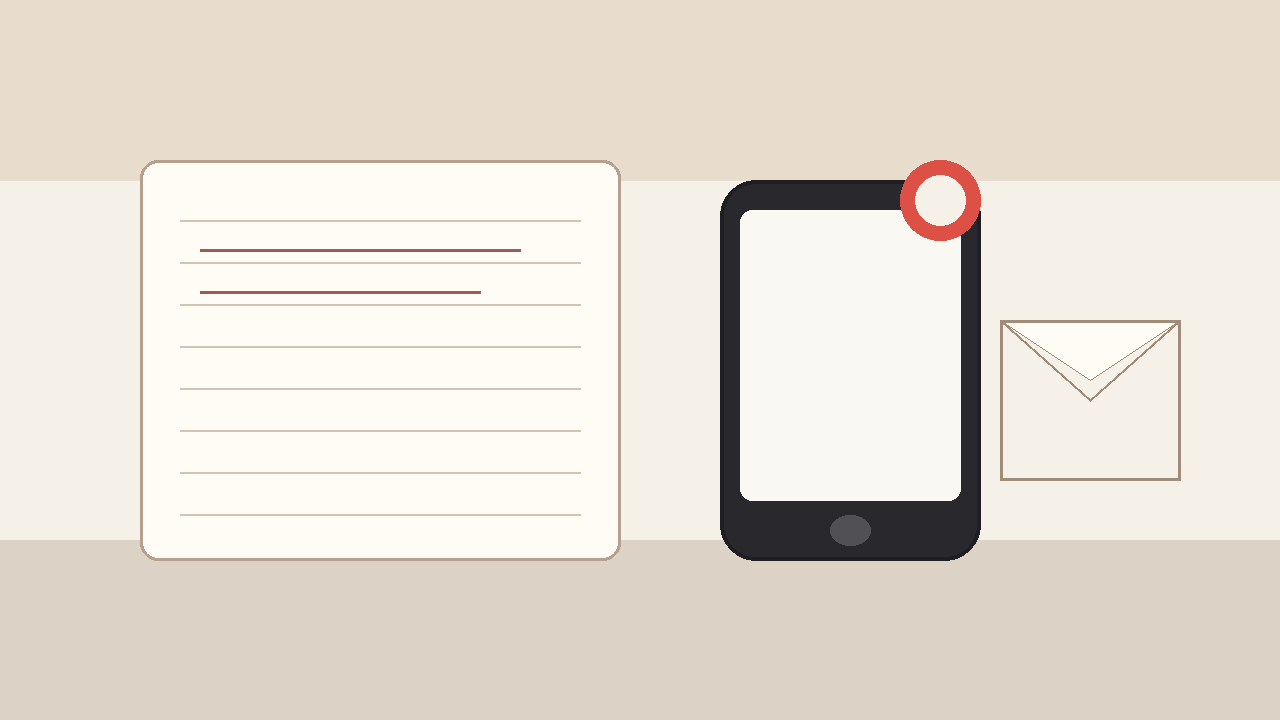
You saw the alert. You meant to write. Then the day was gone, and you were staring at a half-typed "happy birthday!!" while your brain replayed every other ball you dropped this week.
If you have been searching how to remember birthdays when you have ADHD, you are probably not looking for another pink badge on your home screen. You already know the date. The hard part is starting the note, finishing it, and getting it out before something louder steals the runway.
The birthday that lived on my phone and never left it
I am not indifferent. That is the part people get wrong when they hear you forgot again.
I care. I can tell you their favorite snack, the joke from three years ago, the thing that happened the last time we were in the same room. What I cannot reliably do is notice a 9am buzz, open a blank compose window, invent a personal letter under fluorescent lights, and hit send before my next urgent thing arrives.
One year the reminder had been sitting on my phone for months. It buzzed during a standup. I muted it. I told myself I would write after lunch. Lunch became Slack. Slack became a rabbit hole. By evening I had the shame and a thin text, not the letter I had rehearsed in my head for weeks.
ADHD is not "I do not care." It is "the caring never gets a clean runway." Birthdays are a perfect trap for that. Low urgency until the day arrives. High emotional cost when it does. The work is emotional, so your brain treats the blank page like a threat and finds seventeen other tasks that feel more doable.
Why reminders fail ADHD brains harder
Most reminder tools assume the hard part is awareness. For a lot of ADHD brains, awareness is the easy half. The hard half is task initiation under pressure, working memory while the day moves, and finishing a personal email while something shinier is open in another tab.
The buzz arrives at the worst possible moment
Alerts do not wait for a quiet desk and a full battery of executive function. They arrive in meetings, on trains, while you are already mid-context-switch. You dismiss them to survive the next ten minutes. Your brain files the intention under "later." Later is when language skills have left the building.
Open loops feel like static
Knowing it is their birthday creates a background hum. That hum steals attention from everything else until you either finish the note or numb it with a short text. Reminder apps love creating that hum. They are less helpful at closing it.
"Just write it earlier" collides with time blindness
You can put a prep reminder three days out. You will either rewrite it early and feel weird about staging affection, or you will still write on the day because the emotional cue only lights up when the date is real. Time blindness makes "later this week" feel like fog. The night of the birthday feels painfully concrete.
More reminders usually mean more guilt
Stacking apps multiplies the moments you fail in public to yourself. Another badge. Another streak broken. Another place that proves you saw the thing and still did not ship the letter. That is not a system. That is a guilt factory.
If another reminder fixed how to remember birthdays when you have ADHD, you would already feel done. You would not still be googling for a way out of the same loop.
What "remembering" has to mean for this brain
For ADHD, remembering a birthday cannot mean "I will be a fully resourced writer at the exact second the phone buzzes." It has to mean the letter can leave even when you are not at your best that morning.
A morning inbox lands softer than a midnight scramble
People check email early. A short letter waiting when they wake up feels different than a buzz after their dinner. Timing is part of the gift. Timing is also what ADHD steals when the day fragments.
Your Gmail From line still looks like you
Mail from you looks like you. Mail from birthday-noreply@somewhere looks like a campaign. The From line is part of showing up without needing a paragraph of apology.
A night-before look keeps it human
Set-and-forget with no veto feels creepy fast, and it also feels unsafe if you care about voice. A draft you see the night before, with time to tweak a line or kill the whole thing, still counts as care. That window is what turns automation into "I still meant this," even on a low-spoons day.
Closing the loop is the actual win
The win is not a prettier reminder. The win is a finished note in their morning inbox, from your address, in words you shaped when you still had a little runway.
What people try instead (and where it frays)
Better reminder apps and ADHD planners
Useful for groceries and meds. For birthdays, they often recreate the same failure: awareness without a finished letter. You get a cleaner buzz and the same blank page.
Gmail schedule send
Fine for this year if you catch yourself early. Next year you dig for last year's wording, guess their morning hour again, and hope you set it before the day arrived. Schedule send holds one message. It does not hold "them, every year, without the night-of scramble."
Sticky notes, Notes apps, half-written drafts
"Write something better this year" becomes a folder of guilt. The draft from last spring is buried under shopping lists. By birthday night you are back to thumbs and cake emojis.
Spreadsheets and Apps Script
A quiet Sunday can look elegant. Then DST happens. Permissions change. You forget how your own script works six months later. DIY is fine if you enjoy owning ops. Most ADHD brains do not need another system to maintain. They need the letter to leave without inventing a second job.
The pattern is the same. Tools stop before the hard part. The hard part is a decent letter, at a decent hour, every year, while attention keeps getting stolen.
How DontRemember closes the loop for ADHD
[DontRemember](https://dontremember.app/) does one narrow job. It writes and sends birthday and anniversary emails from your own Gmail, aimed at a sensible hour in their timezone, with a night-before draft you can still change.
1. Connect Gmail and save the people who matter
Sign in with Google. Add names and dates. Free for one person so you can try the loop on a real relationship. Unlimited people and dates for $20/year. No card required to start.
Gmail only, on purpose. Your Sent folder stays the record. You are not inventing a second mailbox or an "on behalf of" brand.
2. Night-before draft (this is the ADHD-friendly part)
The night before, you get a heads-up with the draft. Edit a line. Add the joke only the two of you get. Regenerate if it misses your voice. Delete the whole thing if the moment feels wrong. The AI helps with the blank page. You keep the last word.
That window matters if starting from zero is your wall. You are not inventing care at 11:40pm after a fragmented day. You already have a draft when you still have a little energy to make it yours.
3. Morning send from your address
On the day, the email leaves from your Gmail at a sensible hour in their timezone. It shows up like mail you wrote: your account, your Sent folder, your chance to reshape the draft.
Set the date once. Trust the loop next year. Trade "I saw the reminder and still froze" for a letter that arrives while the day still feels open.
You are not outsourcing love. You are removing the failure mode where care dies between "I remembered" and "I could not start."
Gmail, privacy, and why the From line matters
A birthday note that arrives from a noreply domain feels like marketing. The point of showing up is that it looks like you cared enough to write.
DontRemember uses the Gmail API to send from your Gmail. Recipients see your address. The send lands in your Sent folder like normal mail.
Privacy is not a footnote. You grant access so the product can draft and send for the people you choose. That access exists to finish the letter, not to farm your inbox. Night-before review. Edit. Delete. Nothing goes out that you have not had a chance to stop.
Free for one person is there so you can pressure-test whether the draft still sounds like you before Unlimited at $20/year covers everyone else.
Objections people ask when their brain keeps dropping birthdays
"Isn't a late text better than nothing?"
Sometimes. For some people, a quick text is the native language. For others (partners, parents, the friend who still writes real notes), a late apology in a chat bubble keeps feeling thin. If the late text is becoming your default personality, the medium and the timing are part of the problem.
"Is it weird to automate a birthday?"
Missing the day and covering it with emoji usually feels worse. Creepy is a bot shipping with no review. DontRemember shows you the draft the night before. You decide. If a draft feels wrong, kill it.
"Will it sound fake?"
A corporate template with no edit pass would feel hollow. A letter you shaped, sent from your Gmail, is still yours. The tool's job is to make sure the draft exists before the day arrives, when you still have a shot at making it personal.
"I already use calendar reminders and ADHD apps"
Then you already know the gap. Those tools are excellent at awareness. They are rough at finishing a personal birthday email and putting it into someone's morning inbox. Keep the planner if it helps elsewhere. Add a system that writes and sends from Gmail so next year is not another freeze at the blank page.
"Can't I just force myself to write earlier next year?"
You can try. You will also re-do the same work every year: remember early, invent the note under pressure, pick a morning hour, hope life does not interrupt. Recurrence plus a night-before review is the missing piece for a lot of people who want to remember birthdays when they have ADHD without relying on peak-focus mornings.
Start with one person and one morning inbox
You do not need a perfect system for everyone on day one. Pick the one birthday where freezing at the blank page still stings. Connect Gmail. Add their date. Let the next draft prove whether the letter still sounds like you.
That is what free for one person is for. When the loop works, Unlimited at $20/year covers the rest of the list.
Remembering birthdays with ADHD should not mean living inside your calendar all year. It should mean the letter leaves in the morning, from your Gmail, in words you made yours, without needing a perfect brain on the day.
Try DontRemember at [https://dontremember.app/](https://dontremember.app/). Connect Gmail, add a birthday that matters, and trade tonight's freeze for tomorrow's draft.
Send the letter while the day still feels open.