How to set up a recurring birthday email that still sounds like you
Set up a recurring birthday email from your Gmail. Night-before draft, send in their morning, free for one person.
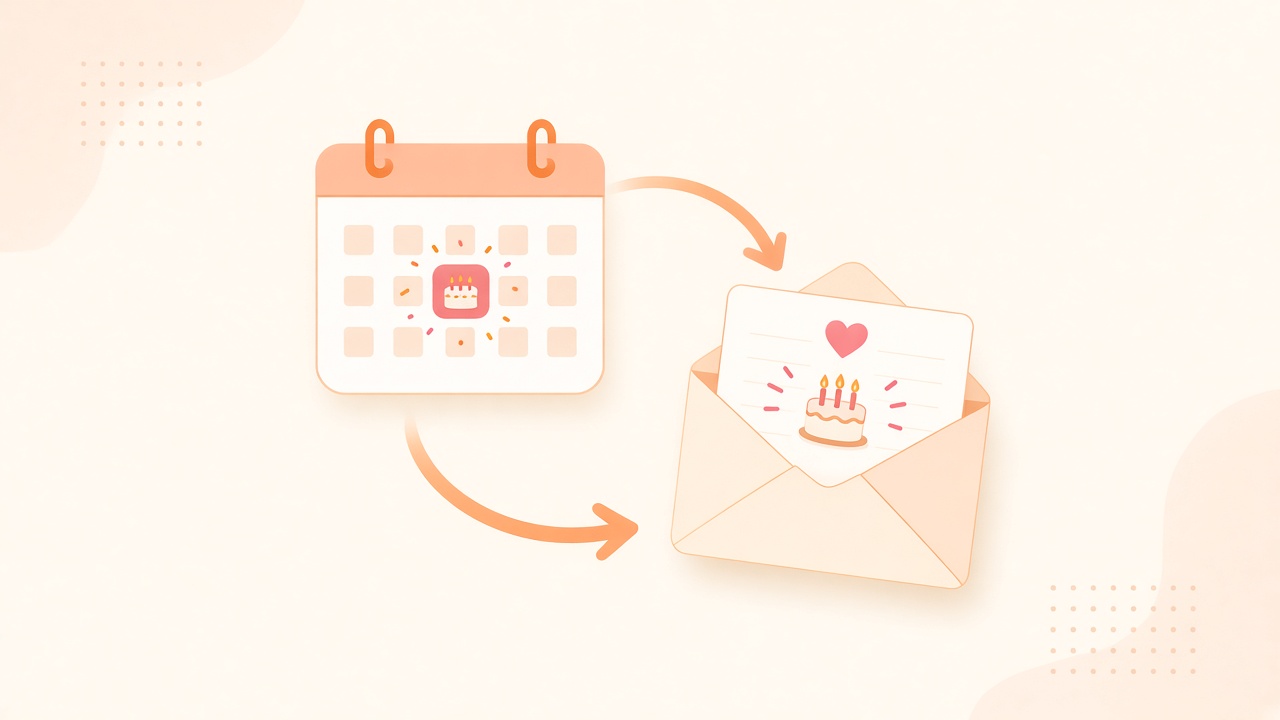
You know their birthday. You have known it for years. Somehow you still end up typing a late "happy birthday!!" on your phone while dinner cools, hoping the double exclamation mark covers how thin the note feels.
That pattern is not a character flaw. It is what happens when the only system you have is a calendar buzz and a blank page.
If you have been searching for a recurring birthday email that still sounds like you wrote it, you are not hunting another alarm. You are looking for a loop you set once: draft, review, send from your Gmail, every year, without the midnight scramble.
This post covers why birthday follow-through keeps failing even when you "remember," what Gmail schedule send can and cannot do for recurrence, how a night-before draft loop closes the gap, and how DontRemember keeps you in control while the letter still leaves on time.
The birthday problem is follow-through, not memory
Most people do not erase the date from their brain. They lose the window between "I should write something" and "oh no, the day already started."
You saw the alert. You meant to open Notes after standup. Standup ran long. Slack piled up. You opened Instant Message at 9:40pm and typed something short that sounded like everyone else's short thing. The other person said thanks. You felt a little smaller than you wanted to feel.
A calendar reminder is awareness. Awareness is useful. It is not a finished letter. It does not pick their morning. It does not land in their inbox from your address looking like mail you chose to send.
What you actually want, when you say "I never want to forget again," usually looks like this:
That is a different product than another badge that pings you at 9am.
- A recurring birthday email that goes out every year without rebuilding the process from scratch.
- Delivery in their timezone, not yours.
- A draft you can edit the night before.
- Your Gmail in the From line, so it feels like you, not a brand.
- Enough control that you can kill a draft when the moment feels wrong.
What people try for a recurring birthday email (and where it frays)
Calendar apps
Great at "today is the day." Rough at finishing creative work under pressure. If pings solved birthday notes, you would not keep searching for automatic birthday email tools.
Gmail schedule send
Fine for one birthday this year. Compose, pick a time, done. Next year you are digging for last year's draft, guessing the hour again, hoping you remembered to schedule before the day arrived. Schedule send holds a message. It does not hold "Mom, every March 12" as a first-class recurring object.
Spreadsheets and scripts
A quiet Saturday can produce a sheet of dates and a GmailApp trigger. Then daylight saving time shifts. OAuth tokens expire. The template starts sounding like a form. Six months later you barely remember how your own script works. DIY is fine if you like owning ops. Most people just want the letter to leave.
More reminder apps
Another install. Another notification. Another place to feel guilty when you swipe it away. More awareness rarely creates a finished note at a decent hour.
The shared pattern: each tool stops before the hard part. The hard part is a decent letter, from you, at a decent hour, every year, while life keeps interrupting.
What a real recurring birthday email loop should do
If you are going to automate anything around people you care about, aim for a finished outcome, not a louder alarm.
That last piece matters more than it sounds. A birthday note that lands at 2am their time because you scheduled in your timezone is still "on time" on a calendar and still wrong in the inbox.
- People and dates saved once. Birthdays, anniversaries, the occasional love note you want on a schedule.
- A draft in your voice, not a greeting-card aisle template.
- A night-before heads-up so you can edit, regenerate, or kill it.
- Send from your Gmail via the Gmail API, so recipients see you.
- Morning in their timezone as a solid default.
How DontRemember runs the loop
DontRemember (https://dontremember.app/) does one job. It writes and sends birthday, anniversary, and love emails from your own Gmail, in the recipient's timezone (default 8am).
The point is the letter leaving. Not another badge.
1. Connect Gmail and add the people
Sign in with Google. Add the people who matter and their dates. Free for one person. Unlimited people and dates for $20/year. No card to start.
Gmail only for now, on purpose. Your Sent folder stays the record. You are not inventing a second mailbox or an "on behalf of" brand the other person has never heard of.
2. Night-before draft
The night before, you get a heads-up with the draft. Edit the wording. Regenerate if it misses your voice. Delete if the moment feels wrong. The AI helps with the blank page. You stay in control.
That window is what Notes apps and one-shot schedule send never quite give you. You see tomorrow's letter while there is still time to make it yours.
3. Send from your Gmail on the day
On the day, the email leaves from your address at a sensible hour in their timezone. It shows up like mail you wrote, because in the ways that matter, it is yours: your account, your Sent folder, your chance to reshape the draft.
Set it once. Trust the loop. Stop rebuilding the same late-night panic every year.
Gmail, privacy, and why "from you" matters
A birthday note that arrives from a noreply domain feels like marketing. The whole point of showing up is that it looks like you.
DontRemember uses the Gmail API to send from your Gmail. Recipients see your address. The send lands in your Sent folder like normal mail. You get the same record you would have if you had typed the note yourself before coffee.
Privacy is not a side note. You grant access so the product can draft and send for the people you choose. That access exists to finish the letter, not to farm your inbox. Night-before review. Edit. Delete. Nothing goes out that you have not had a chance to stop.
Free for one person means you can pressure-test the loop on a real relationship before Unlimited at $20/year makes sense. No card to start means the first experiment is about whether the draft feels like you.
Objections people ask about automatic birthday email
Isn't automating a birthday weird?
Weird is missing the day and covering it with emoji. Showing up on time with a note you approved is closer to what people actually wanted. Creepy would be a bot shipping with no review and no veto. DontRemember shows you the draft the night before. You decide.
If a draft feels wrong for the moment, kill it. Control is the point.
Will it sound fake?
Intimacy is remembering and following through. The AI helps with the blank page. You still choose the people, the dates, the edits, and whether it sends. Plenty of thoughtful emails start as rough drafts between meetings. This just makes sure the draft exists before the day arrives.
A corporate template with no review would be fake. A letter you shaped, sent from your Gmail, on time, is still yours.
I already use calendar reminders
Then you already know the gap. Calendar apps are excellent at awareness. They are rough at finishing creative work under pressure. Keep the calendar if you want. Add a system that writes and sends.
What about anniversaries too?
Same loop. Recurring birthday email. Automatic anniversary email. Occasional love notes on a schedule that does not depend on you remembering at 11:50pm. The failure mode is identical: you meant to write something, life got loud, the day passed.
Can't I just schedule send in Gmail every year?
You can. You will also re-do the same work every year: find last year's wording, pick a time, hope you remember before the day. Recurrence is the missing piece. A recurring birthday email treats the person and the date as durable, not as a one-off compose.
A calmer definition of never forgetting
"Never forget a birthday" does not mean "get more notifications." It means the other person opens a real note at a decent hour and feels like you were there.
If that is what you have been trying to build with reminders, sticky notes, and last-minute schedule send, you can stop patching the wrong tool. Missed birthdays do not need louder alarms. They need a finished letter that leaves on time.
Try DontRemember free for one person at https://dontremember.app/. Connect Gmail, add a birthday that matters, and let the night-before draft prove the point. When you are ready for everyone, Unlimited people and dates for $20/year. No card to start.
Send the letter.