How to send a birthday email on time (without the late-night panic)
Send a birthday email on time from your Gmail. Night-before draft, morning delivery in their timezone. Free for one person.
You meant to write something real. Then 11:20pm hit, dinner was cold, and the only thing left in your thumbs was a late "happy birthday!!" with two exclamation marks and a cake emoji.
They replied "thanks!!" anyway. You still felt that small drop in your chest. Not because you do not care. Because the care showed up late, thin, and in a chat bubble that disappears by next week.
If you have been searching how to send a birthday email on time, you are probably done with that loop. You want a personal birthday message in their morning inbox, from your Gmail, without living inside a calendar all year.
The year the late text stopped feeling funny
I used to treat the late birthday text like a personality quirk. Busy life. Good intentions. "They know I care."
Then one year a close friend said, lightly, "I figured you forgot until tonight." They were smiling. I was not.
The date had been on my phone for months. The reminder had buzzed at 9am. I saw it between two meetings, promised myself I would write after lunch, and watched the day evaporate. By night I was apologizing inside a short message that should have been a letter.
That is the pattern. Not cruelty. Not indifference. Just a system that stops at "remember" and never finishes at "send."
Why calendar reminders fail the on-time email
Reminders are honest about one job. They tell you the day is here. They do not write the note. They do not pick a morning hour in someone else's timezone. They do not put a birthday email on time into an inbox that still feels special.
The buzz arrives when you cannot write
You get the alert in a standup, on a train, or while your kid needs something. You tap it away. Your brain files the intention under "later." Later is when your language skills have left the building.
Awareness is not delivery
Knowing it is their birthday is the easy half. The hard half is inventing a personal birthday message under pressure, then getting it to them while the day still feels open. A reminder never lands in their Sent-folder-looking inbox for you. It only lands in your nervous system.
Late still counts as "remembered" on paper
You can say you remembered. Technically you did. Emotionally, a midnight text reads like an afterthought. An on-time birthday email in the morning reads like you made space.
If calendar apps fixed this, you would not keep Googling birthday email on time. You would already feel done.
What "on time" actually means for a birthday note
On time is not "before midnight your timezone." On time is closer to: a short letter in their morning inbox, from your address, in words that sound like you.
Morning beats midnight
People check email early. A note waiting when they wake up feels different than a buzz after their dinner plans. Timing is part of the gift.
From your Gmail beats a brand noreply
Mail from you looks like you. Mail from happybirthday-noreply@somewhere looks like a campaign, even when the words are sweet. Birthday wishes from Gmail keep the relationship in the same place you already write each other.
Editable beats set-and-forget creepy
A draft you see the night before still counts as care. A bot that ships while you sleep with no veto feels weird fast. On-time should never mean out-of-control.
What Gmail can do alone, and where it stalls
Gmail schedule send is great for one message this year. You write it, pick a time, and it leaves. Next year you dig for last year's wording, guess their morning hour again, and hope you remembered to set it before the day arrived.
Drafts and labels help once you already opened the compose window. A spreadsheet of dates helps until you ignore the spreadsheet. DIY scripts help until tokens expire and the template starts sounding like a form letter.
So Gmail is the right mailbox for a personal birthday message. On its own it still is not a calm system for putting a birthday email on time, every year, without the late-night scramble.
How DontRemember gets the letter there on time
[DontRemember](https://dontremember.app/) does one narrow job. It writes and sends birthday and anniversary emails from your own Gmail, aimed at a sensible hour in their timezone, with a night-before draft you can still change.
1. Connect Gmail and add the people who matter
Sign in with Google. Add names and dates. Free for one person so you can try the loop on a real relationship. Unlimited people and dates for $20/year. No card required to start.
Gmail only, on purpose. Your Sent folder stays the record. You are not inventing a second mailbox or an "on behalf of" brand.
2. Night-before draft (this is how panic dies)
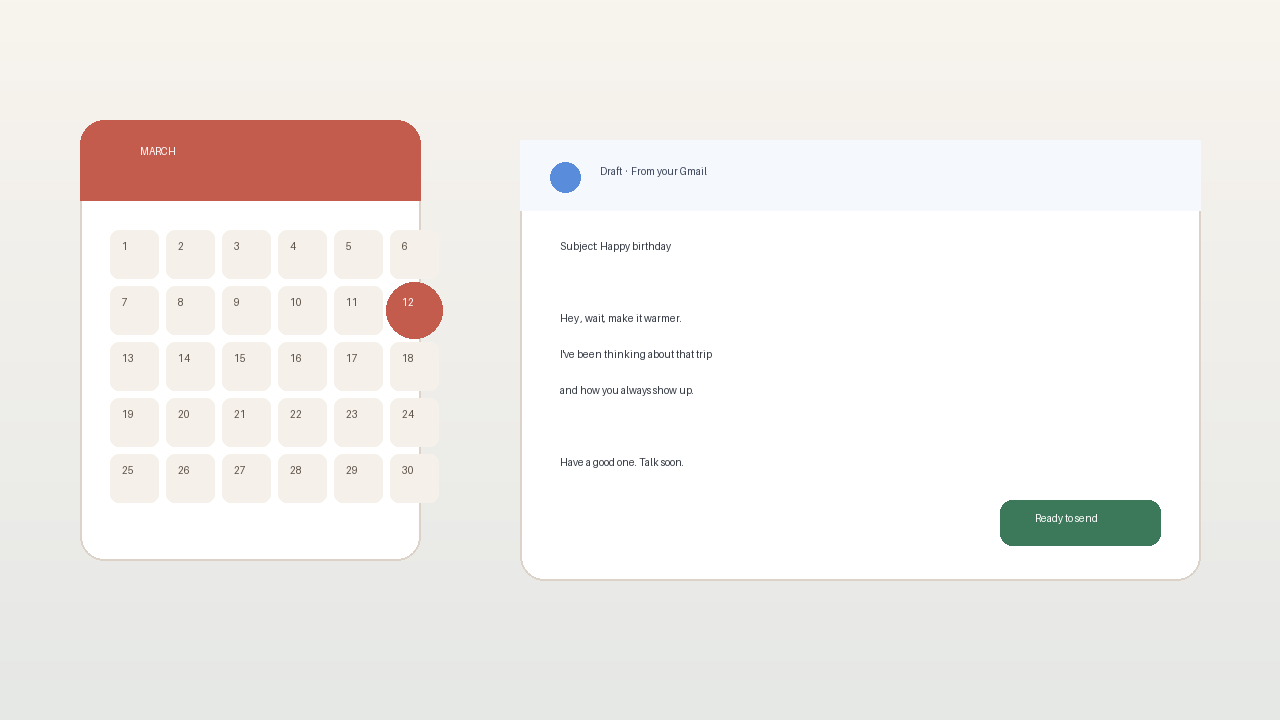
The night before, you get a heads-up with the draft. Edit a line. Regenerate if it misses your voice. Delete the whole thing if the moment feels wrong. The AI helps with the blank page. You keep the last word.
That window is what turns "automation" into "I still meant this." Skipping review is how tools get creepy. Keeping review is how a birthday email on time still feels human.
3. Morning send from your address
On the day, the email leaves from your Gmail at a sensible hour in their timezone. It shows up like mail you wrote, because in the ways that matter it is yours: your account, your Sent folder, your chance to reshape the draft.
Set it once. Trust the loop. Stop rebuilding the same 11pm apology every year.
Gmail, privacy, and why the From line matters
A birthday note that arrives from a noreply domain feels like marketing. The point of showing up is that it looks like you cared enough to write.
DontRemember uses the Gmail API to send from your Gmail. Recipients see your address. The send lands in your Sent folder like normal mail.
Privacy is not a footnote. You grant access so the product can draft and send for the people you choose. That access exists to finish the letter, not to farm your inbox. Night-before review. Edit. Delete. Nothing goes out that you have not had a chance to stop.
Free for one person is there so you can pressure-test whether the draft still sounds like you before Unlimited at $20/year covers everyone else.
Objections people ask when they want the letter on time
Isn't a text enough?
Sometimes. For some people, a quick text is the native language. For others (parents, partners, the friend who still writes real notes), a birthday email in the morning lands heavier and lasts longer. If late texts keep leaving you with that small guilt, the medium is part of the problem.
Is it weird to automate a birthday?
Missing the day and covering it with emoji usually feels worse. Creepy is a bot shipping with no review. DontRemember shows you the draft the night before. You decide. If a draft feels wrong, kill it.
Will it sound fake?
A corporate template with no edit pass would feel hollow. A letter you shaped, sent from your Gmail, on time, is still yours. The tool's job is to make sure the draft exists before the day arrives, when you still have energy to make it personal.
I already use calendar reminders
Then you already know the gap. Calendars are excellent at awareness. They are rough at finishing a personal birthday message and putting a birthday email on time into someone's morning. Keep the calendar if you want. Add a system that writes and sends from Gmail.
Can't I just schedule send in Gmail every year?
You can. You will also re-do the same work every year: find last year's wording, pick a morning hour, hope you remembered before the day. Recurrence plus a night-before review is the missing piece for most people.
Start with one person and one morning inbox
You do not need a perfect system for everyone on day one. Pick the one person where a late text still stings. Connect Gmail. Add their birthday. Let tomorrow's draft prove whether the loop still sounds like you.
That is what free for one person is for. When the loop works, Unlimited at $20/year covers the rest of the list.
Sending a birthday email on time should not mean living in your calendar. It should mean the letter leaves in the morning, from your Gmail, in words you made yours.
Try DontRemember at [https://dontremember.app/](https://dontremember.app/). Connect Gmail, add a birthday that matters, and trade tonight's panic for tomorrow's draft.
Send the letter while the day still feels open.