How to send automatic anniversary emails that still feel like you
How to set up an automatic anniversary email that feels personal, with recurring Gmail drafts, night-before review, timezone delivery, and sending from your own inbox.
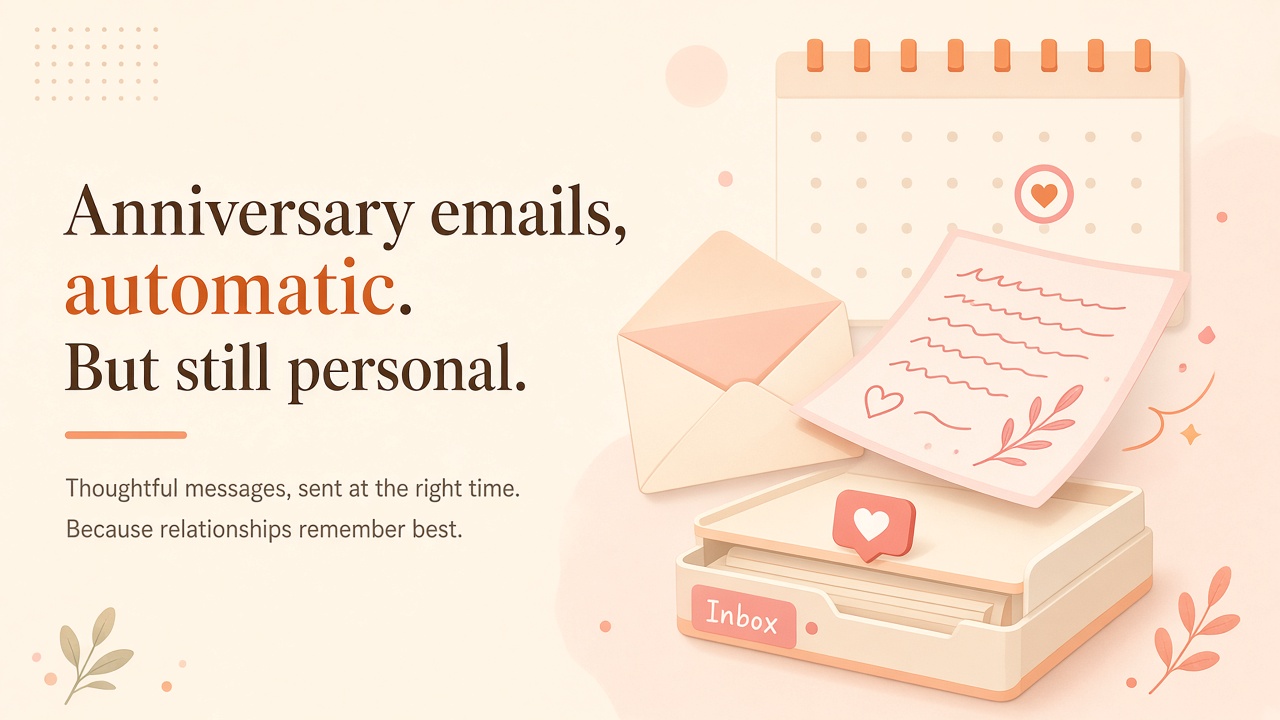
You remembered the anniversary last year. You meant to. This year the day showed up anyway, and your best move was a rushed text at 10:47pm that started with "happy anniversary!! sorry this is late."
That is the quiet pattern a lot of couples and close friends fall into. Not because nobody cares. Because caring got stuck behind work, kids, travel, and a calendar that only knows how to buzz.
If you have been searching for an automatic anniversary email that still sounds like you wrote it, you are not looking for another reminder. You are looking for a way to show up on time, from your own inbox, without inventing the whole process again every year.
This post covers why anniversary notes fail the same way birthday reminders fail, what Gmail can and cannot do on its own, how a small recurring loop fixes the gap, and how DontRemember handles the night-before draft so you stay in control.
The anniversary problem is not memory
Most people do not forget the date in some absolute sense. They forget the follow-through.
You saw it on the calendar. You told yourself you would write something after dinner. Dinner ran long. You opened Notes. You typed two lines. You closed the phone. Morning arrived with a late apology and a heart emoji.
Birthdays get most of the product attention. Anniversaries are just as bruising when they slip, sometimes more, because the other person expected a little ceremony. An alert tells you the day matters. It does not write the note, pick their morning, or land in Gmail where it looks like you.
What you want is simple enough to say out loud:
Gmail is the right place for that. The question is how to schedule it without duct tape.
- An automatic anniversary email that goes out every year without a midnight scramble.
- A recurring birthday email for the same people, same loop.
- Delivery in their timezone, not yours.
- A chance to edit the draft before it sends.
- Your address in the From line, so it feels like mail, not marketing.
Calendar alerts
Useful for awareness. Rough at finishing creative work under pressure. If pings solved this, you would not be reading about automatic anniversary emails.
Gmail schedule send
Fine for one message this year. Next year you are hunting last years draft, guessing the timezone again, hoping you remember before the day arrives. Schedule send holds a message. It does not hold "us, every March 12" as something you set once and trust.
Spreadsheets and Apps Script
A quiet Sunday project can look elegant. Dates in a sheet. A trigger. GmailApp.sendEmail. Then DST happens. Permissions change. The template sounds like a form letter. You forget how your own script works six months later. DIY is fine if you enjoy owning ops. Most people just want the letter to leave.
Second reminder apps
Another badge. Another streak. Another place to feel guilty when you dismiss the ping. More awareness rarely creates a finished note.
The failure pattern
The pattern across all of these is the same. They stop before the hard part. The hard part is a decent letter at a decent hour, every year, while life keeps interrupting.
What an automatic anniversary email should actually do
If you are going to automate anything around relationships, aim for a finished outcome, not a louder alarm.
A loop that works usually looks like this:
That is the difference between "I scheduled a send" and "I have a relationship system." One solves Tuesday. The other solves Tuesday, next year, and the birthday in between with the same habits.
You are not outsourcing love. You are removing the failure mode where care dies between intention and send.
- People and dates saved once. Anniversary, birthday, the occasional love note you want on a schedule.
- A draft in your voice. Not a greeting-card aisle template.
- A night-before heads-up so you can edit, regenerate, or kill it.
- Send from your Gmail via the Gmail API, so recipients see you.
- Morning in their timezone as a solid default.
- Repeat next year without rebuilding the pipeline from sticky notes.
How DontRemember runs that loop
DontRemember does one job. It writes and sends birthday, anniversary, and love emails from your own Gmail, in the recipients timezone (default 8am).
The point is the letter leaving. Not another badge.
Connect Gmail and add the date
Sign in with Google. Add the people who matter and their dates. Free for one person. Unlimited people and dates for $20/year. No card to start.
Gmail only for now, on purpose. Your Sent folder stays the record. You are not inventing a second mailbox or an "on behalf of" brand the other person has never heard of.
Questions
Isn't automating an anniversary weird?
Weird is missing the day and covering it with emoji. Showing up on time with a note you approved is closer to what people actually wanted. DontRemember shows you the draft the night before, and you decide.